

How-to
Create and Manage Projects:
Delete Projects
Previously: How-to Export Project.
This section guides users how to delete projects.
The project admin can delete a project by clicking on the Delete button either in the project list preview or on the project page.
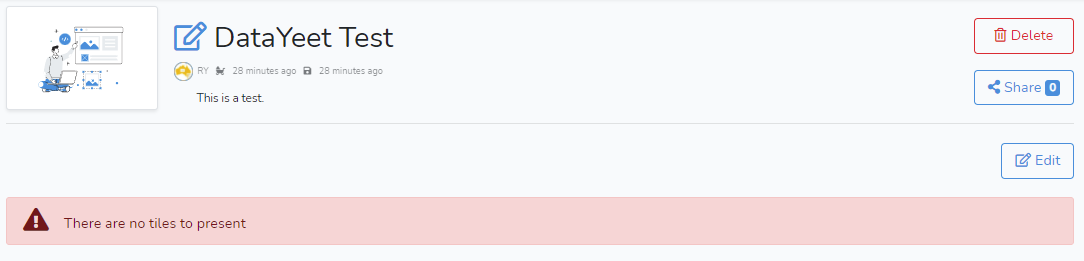 Clicking on Delete will bring up the confirmation window as shown below.
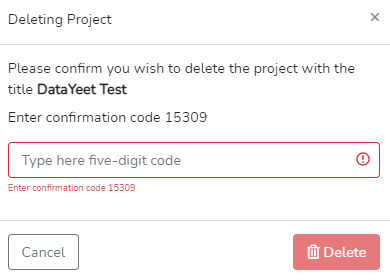 The decision to delete the project must be confirmed by entering a five-digit confirmation code into the text box and clicking on the red Delete button.