

How-to
Search the Site
Previously: Premium Account Time.
This section provides guidance on the site search capabilities.
Global Search
DataYeet allows searching Data Connections, Projects, Users, Groups and Notifications from one place. To search, click on  icon in the top right corner of the site. It will open a sidebar with the search input field as shown below.
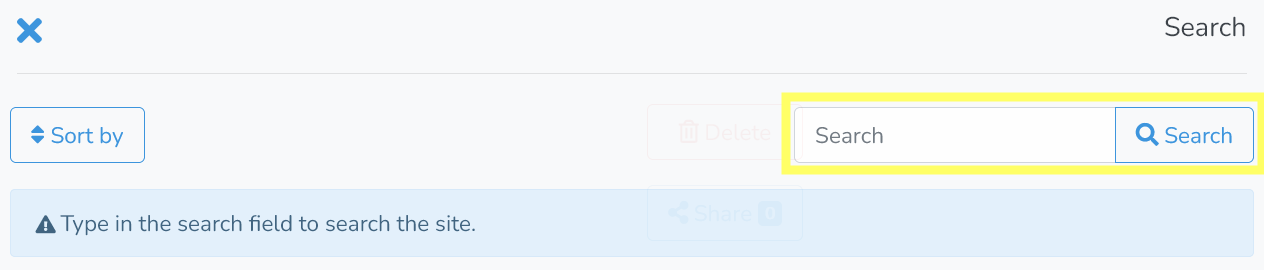
Enter search terms and click on Search to fetch the results. An example is shown below.
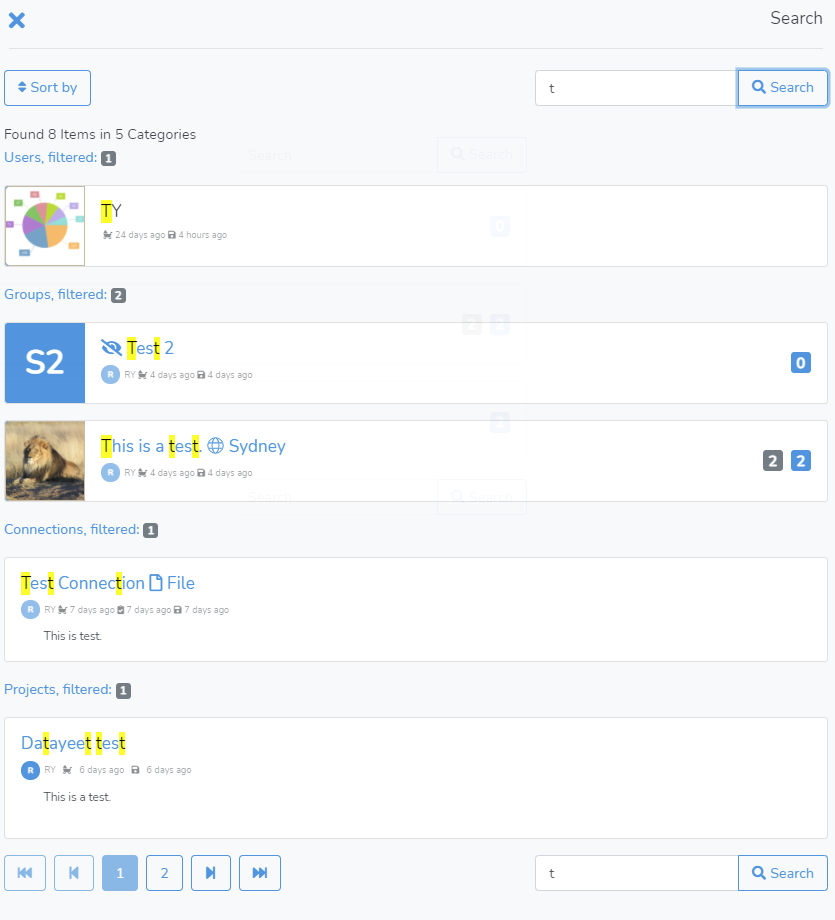
In the search results - all matching items are grouped in 5 categories that are shown in the pre-defined order - Users being shown first, then Groups, Data Connections, Projects and Notifications. The matched keywords in the search results are highlighted.
Clicking on an item will redirect the user to the corresponding item.
To close the search sidebar - click on any area outside the sidebar or on the close icon in the top left corner.
Data Connections Search
Next is FAQ.