

How-to
Create an Account
Previously: How to Manage Users and Groups.
This section helps with creating an account.
A new user can register and create a new user account by pressing Free registration, Login, or Start Now on the DataYeet homepage as highlighted below.

Pressing one of the highlighted buttons will bring the user to the registration page.
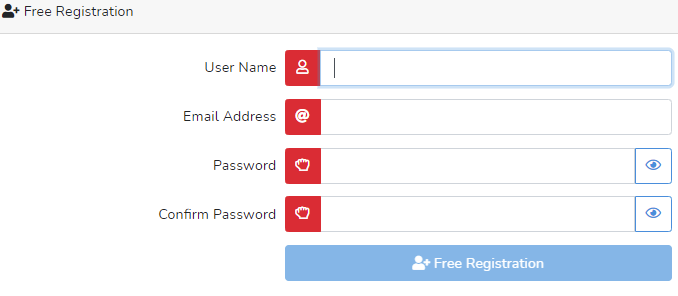
To register, the new user needs to provide a User Name. The User Name is the name displayed to the rest of the DataYeet community. It must be unique, otherwise, it won't be accepted. As you type it - it is checked in the background against existing user names. Once the icon on the left of the field turns green - the selected name is unique.
The Email Address cannot be shared between accounts. When a user types in the email address it is checked as well against registered email addresses. The selected email address will be used to log in.
When selecting a password, the user can click on the button next to the input to view the password. Clicking the button on the left of the input will bring up a checklist with the strength requirements for the password.
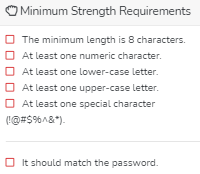 The password has multiple strength requirements and all of them must be met. An example of a good password could be 47291s@T. Do not use this one, it is only an example.
When all required inputs are provided, the user can click on Free Registration. It redirects the user to the email verification page as shown below.
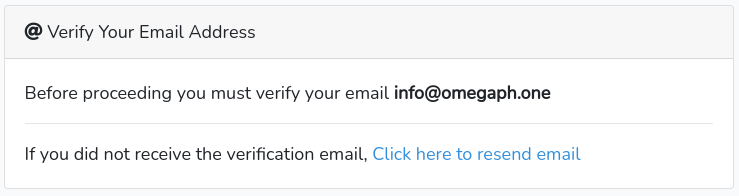
If the verification email does not arrive within a few minutes, click onClick here to resend email. A copy of an email is shown below.
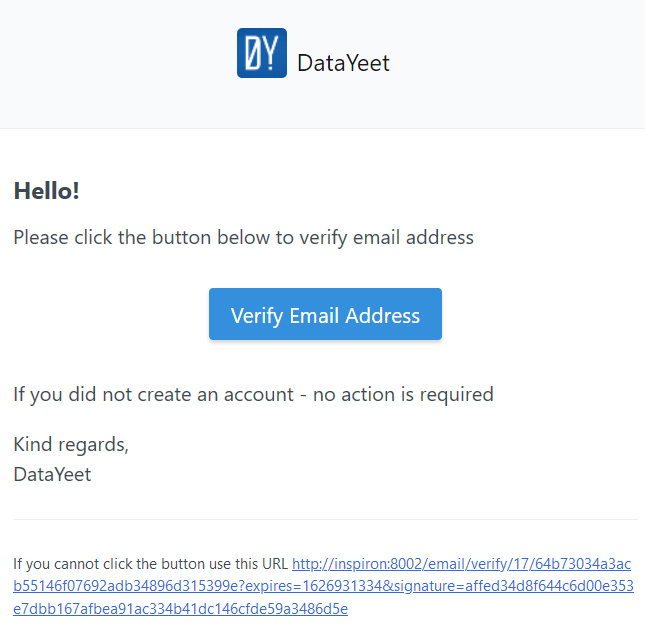
Click on Verify Email Address button to finish the verification. Alternatively, copy the URL link and paste it into the browser address bar to do the same.
After clicking Verify Email Address or the URL link, the user will be redirected to the page shown below.
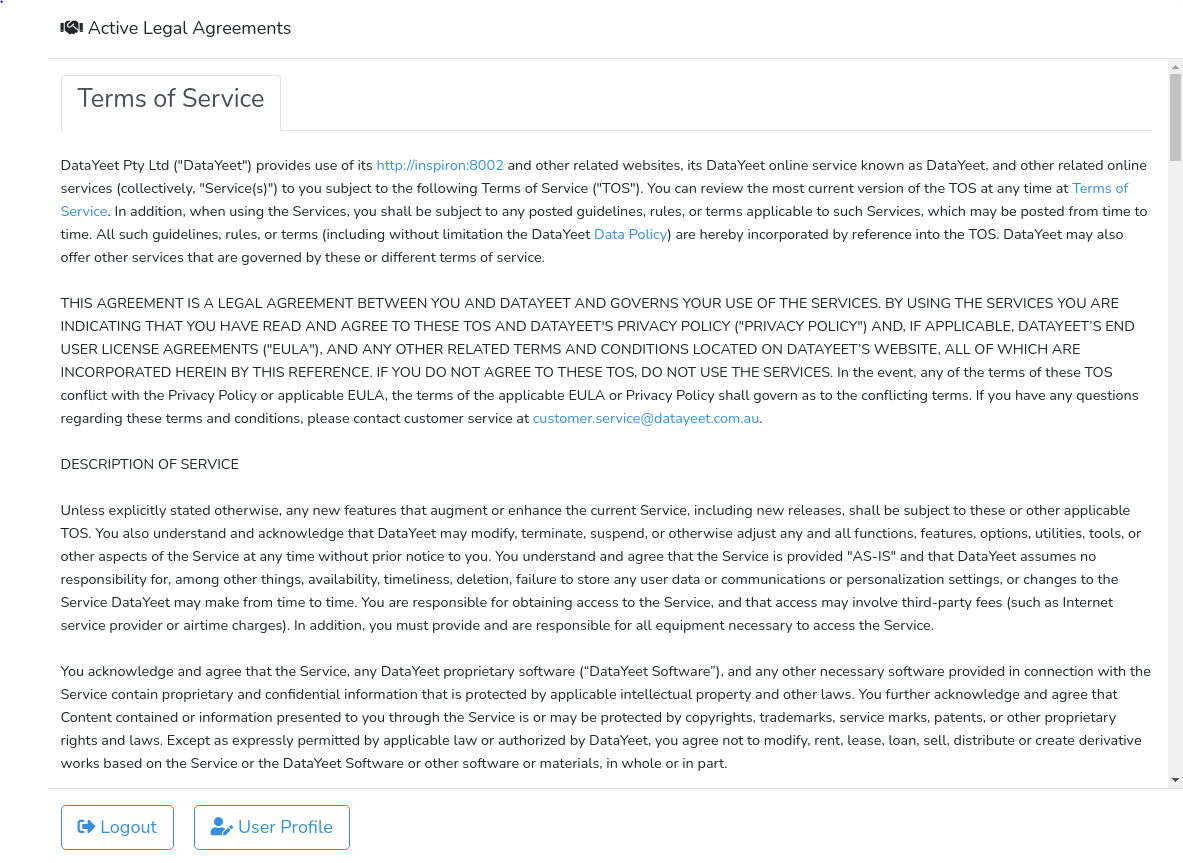
The users are encouraged to read the Terms of Service before accepting them at the bottom of the page (scroll down).
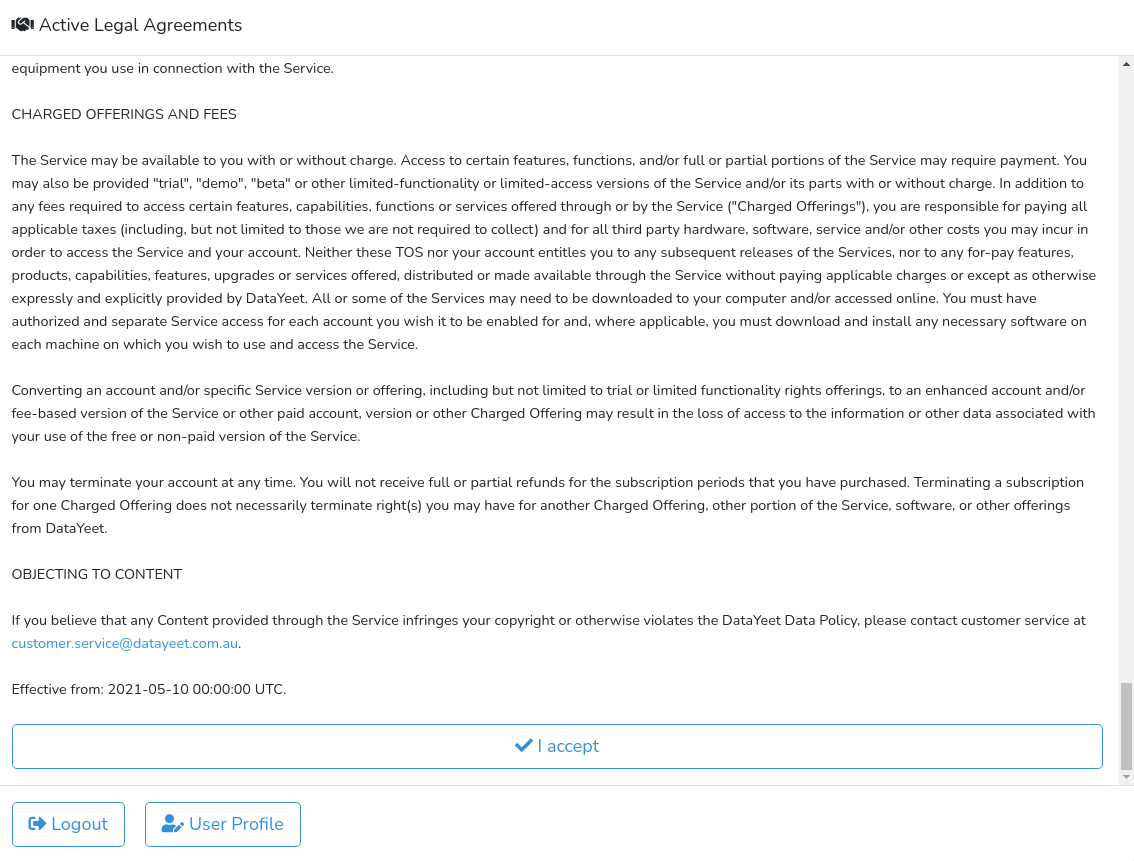
After completing the last step, the user will get full access to the DataYeet platform.
Next is How to Edit an Account.